1
Lesson block
Forty-five minutes is a familiar length for classroom teaching, guided work, and one complete lesson segment.
Run a clear forty-five-minute countdown for lesson blocks, longer work sessions, revision periods, and sustained concentration.
A 45 minute timer suits tasks that need real momentum, making it useful for classroom blocks, exam preparation, and longer single-task work sessions.
Fixed preset
Quick preset jumps
These fixed timer pages are designed to open fast, start fast, and answer a specific minute-based intent without extra setup.
Real use cases
This page is not just another generic countdown. These are the real jobs people usually want done with a 45 minute preset.
Forty-five minutes is a familiar length for classroom teaching, guided work, and one complete lesson segment.
Use the timer for a realistic timed section, mock test block, or focused revision period.
This duration gives enough runway for concentration when you want a serious block without committing to a full hour.
Set forty-five minutes for sustained reading, note-taking, or gathering material without checking the clock.
A fixed 45-minute countdown works well for a training activity, breakout task, or project milestone.
Tool comparison
A 45 minute timer should solve one simple problem well. If you need richer visuals, repeating intervals, or classroom-first features, these are the better alternatives.
Choose Visual Timer when you want the passing time to be more visual and ambient during a longer shared session.
Open Visual TimerChoose Loop Timer when your 45-minute session repeats on a schedule and you want the next cycle to start automatically.
Open Loop TimerChoose Classroom Timer when the page is mainly for classroom display and you want more teacher-centered presentation options.
Open Classroom TimerFAQ
It is best for lesson blocks, exam practice, deep work, reading, and tasks that need more uninterrupted time.
Yes. Forty-five minutes is especially practical for teachers because it matches many lesson and task structures.
Use 45 minutes when you want a substantial work block without extending all the way to a full hour.
Yes, but if you want automatic repeat behavior, Loop Timer is a better fit.
Yes. Fullscreen makes the countdown easier to see in a classroom, meeting room, or shared space.
Related timers
Start with this 45 minute page when you want a fast fixed countdown. Then move into nearby preset lengths or more flexible core timer tools.
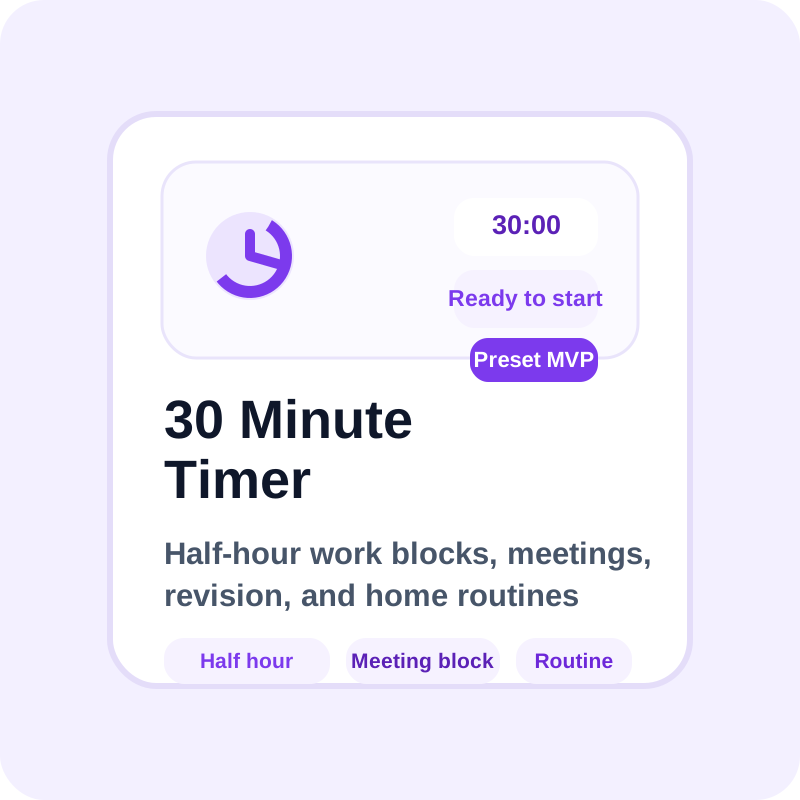
Open a nearby preset when your task needs a little more or a little less time than this page.
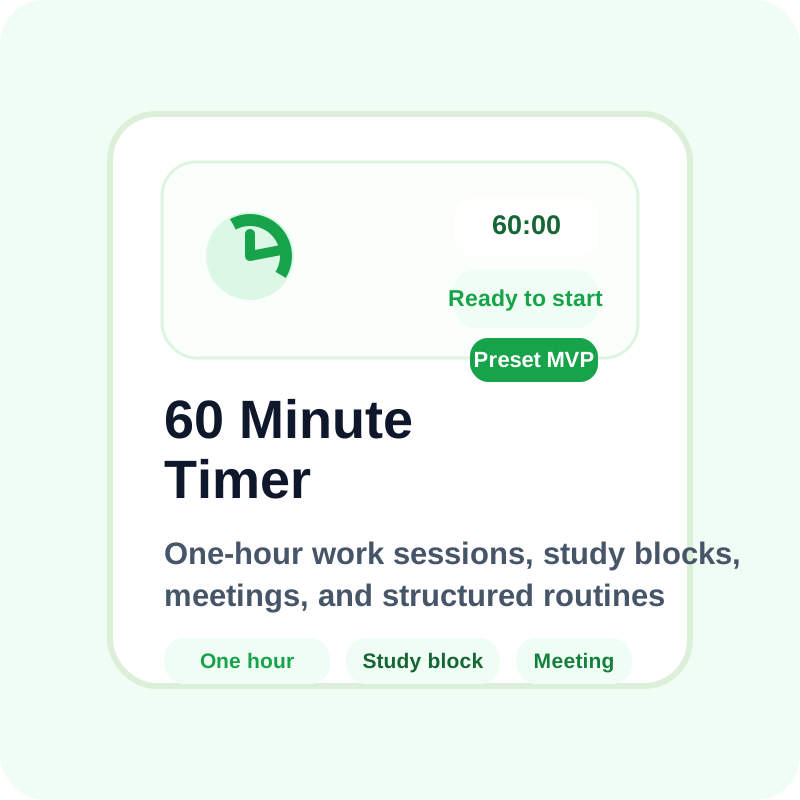
Open a nearby preset when your task needs a little more or a little less time than this page.
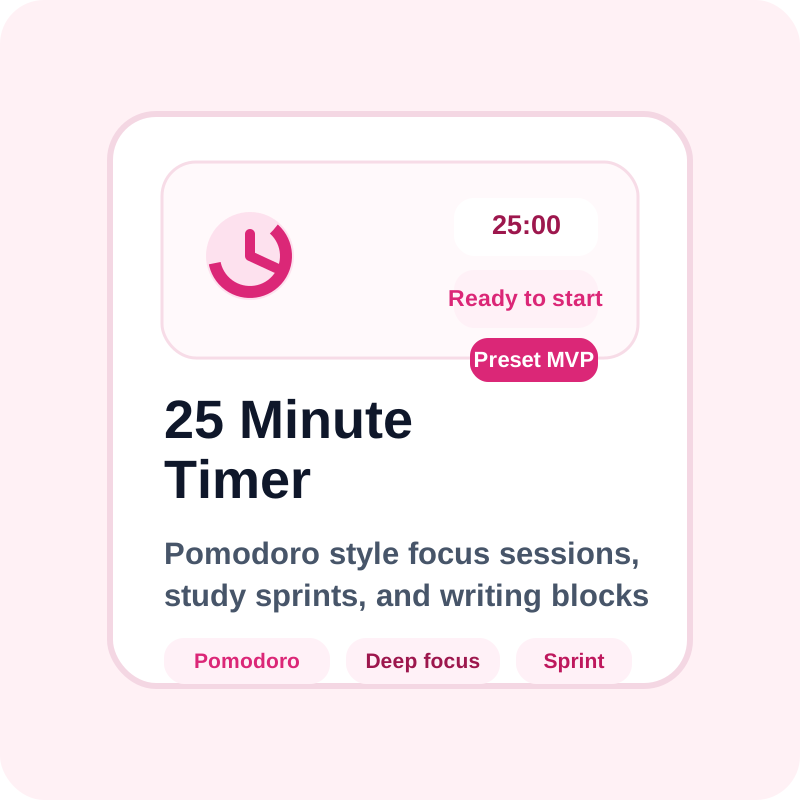
Open a nearby preset when your task needs a little more or a little less time than this page.
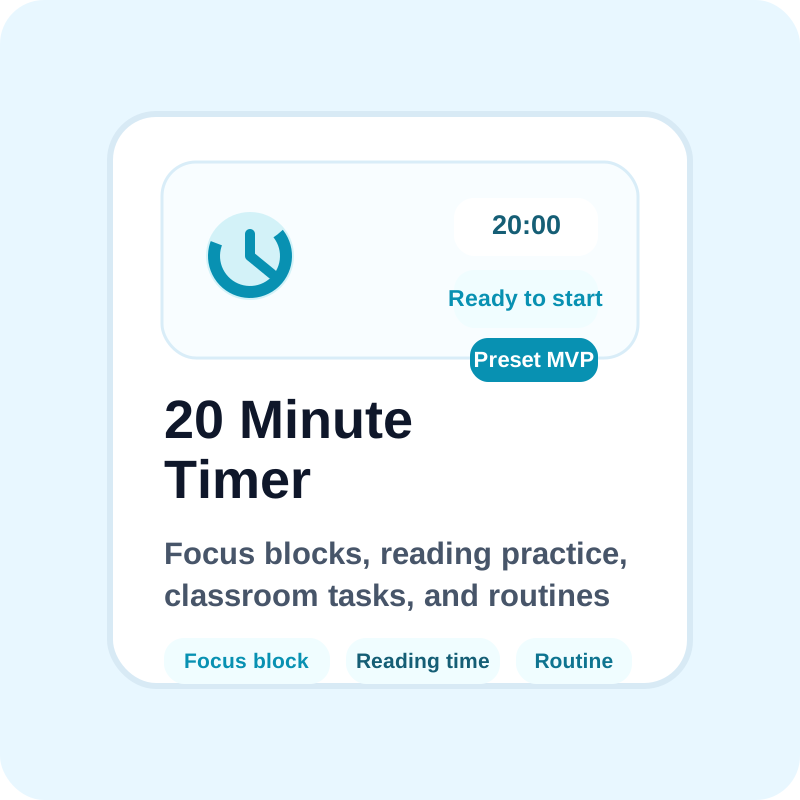
Open a nearby preset when your task needs a little more or a little less time than this page.
Switch here when you need richer visuals, looping intervals, or a more classroom-specific timer experience.
Switch here when you need richer visuals, looping intervals, or a more classroom-specific timer experience.
Switch here when you need richer visuals, looping intervals, or a more classroom-specific timer experience.